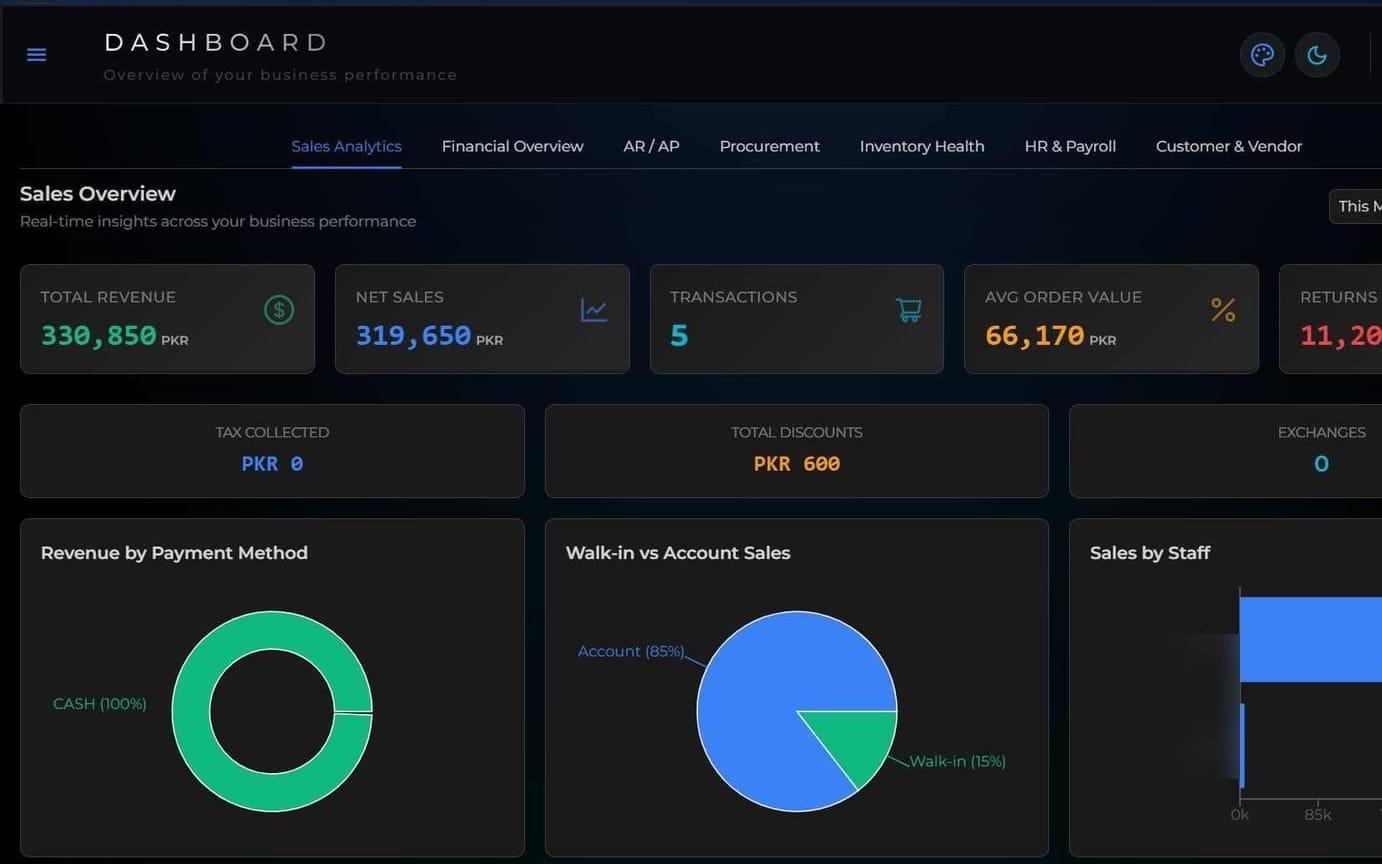
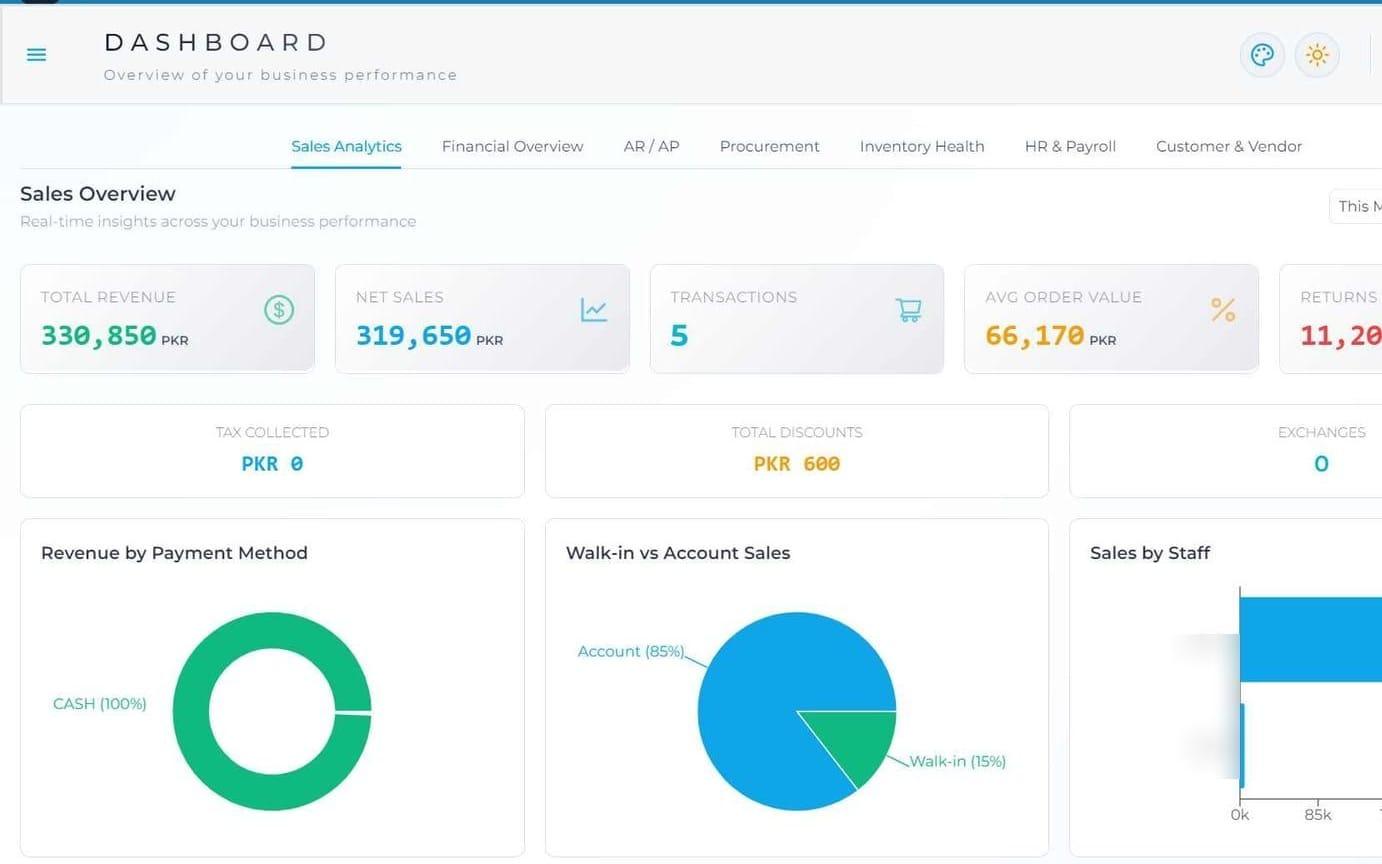
Desktop point of sale with built-in accounting and multi-location inventory.
- Desktop
- Retail & Distribution
Case studyRead the case study: Agora POS
Services
Windows and macOS software for daily operations. We build desktop applications for work that needs speed, direct access to devices or independence from the internet.
A desktop application suits work that needs speed. It suits work that needs direct access to devices, such as printers and scanners. It also suits work that must continue without the internet.
A web app suits other cases. If your users only need a browser, we say so. We recommend the approach that fits your users and budget, whether desktop, web or mobile.
Ask yourself three questions. Does the work stop when the connection drops? Does it need a printer or scanner beside the user? Does speed at the screen matter more than reach from anywhere? Each yes points toward desktop.
Desktop point of sale with built-in accounting and multi-location inventory.
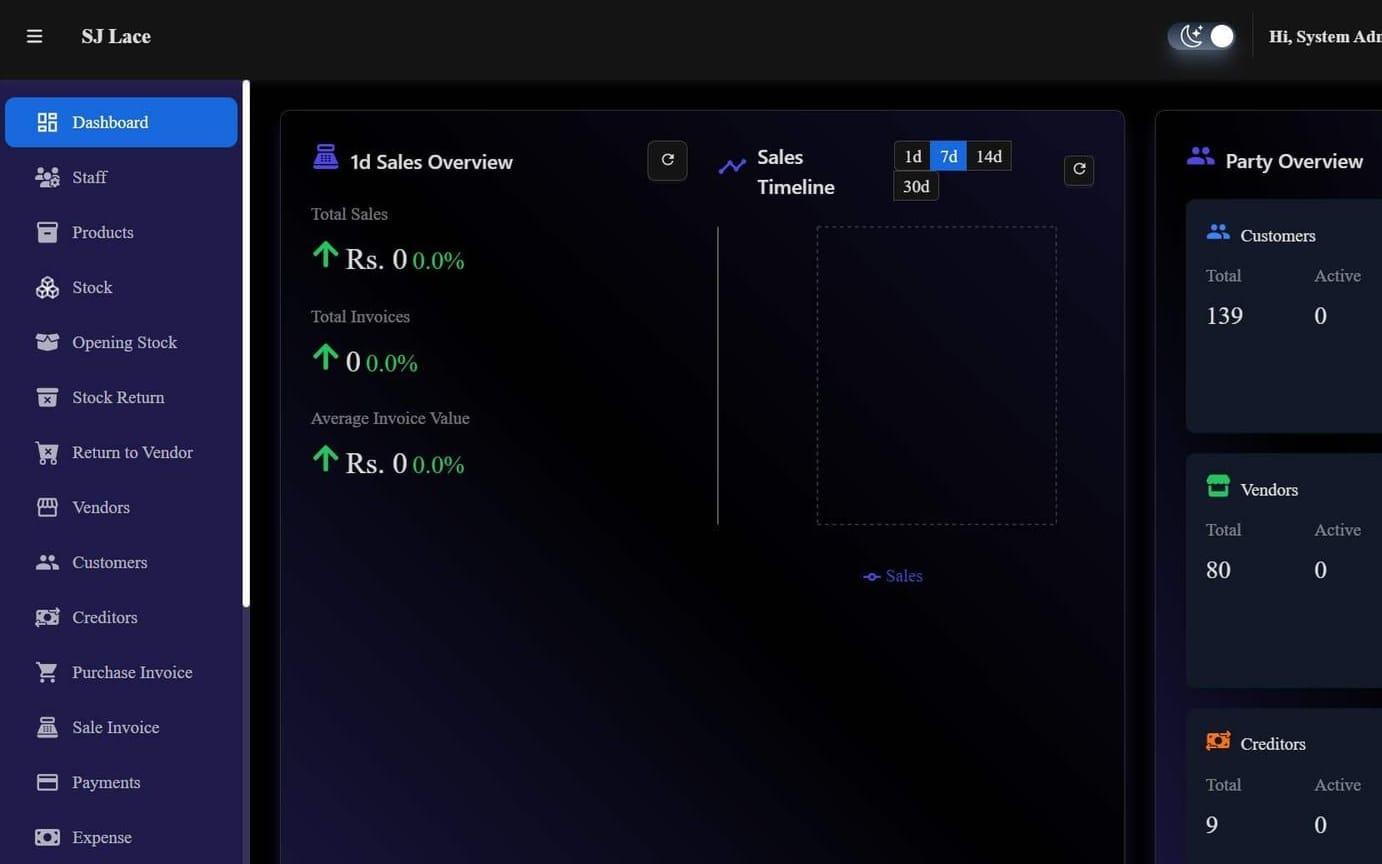
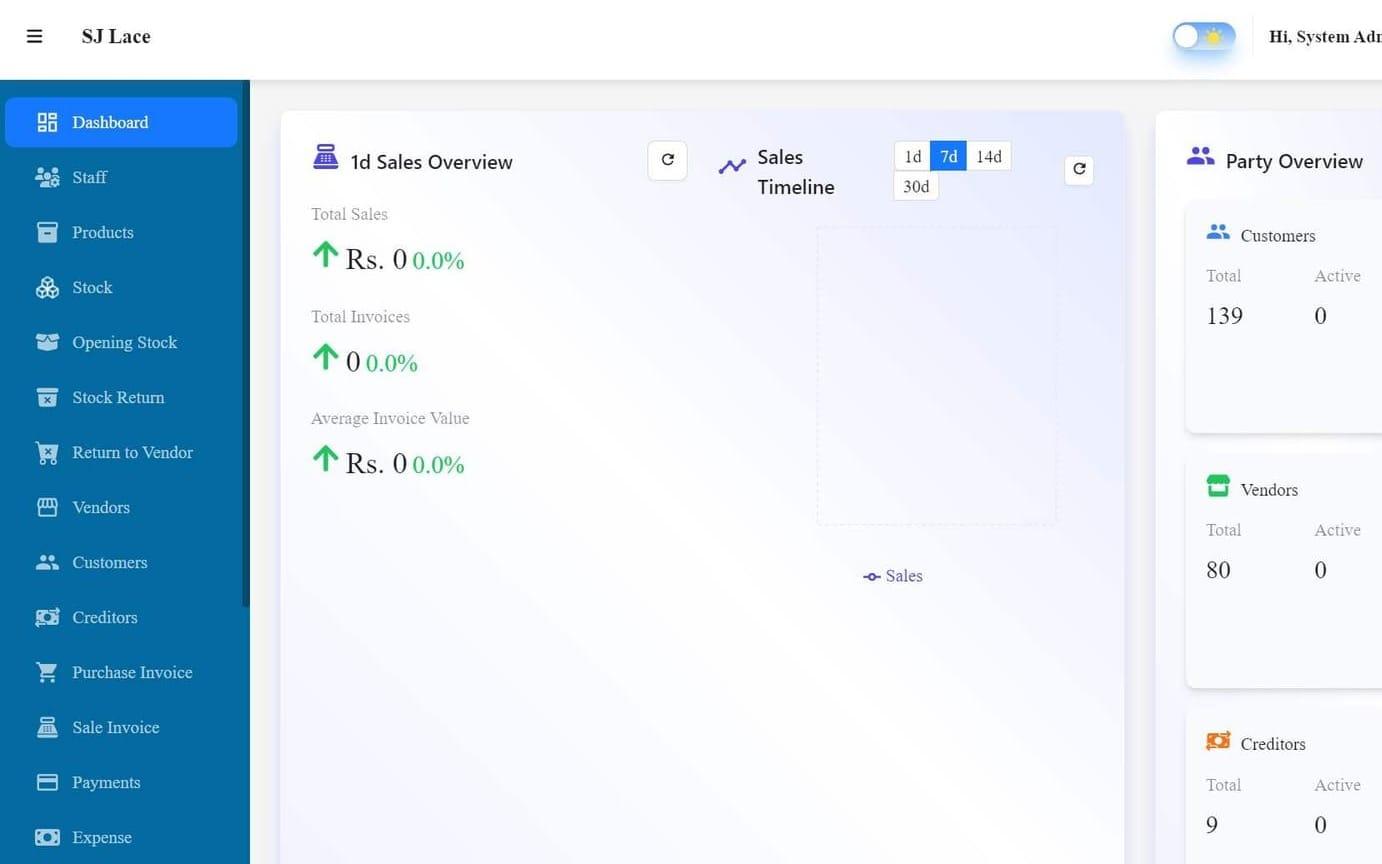
Desktop point of sale and inventory system for retail and wholesale.
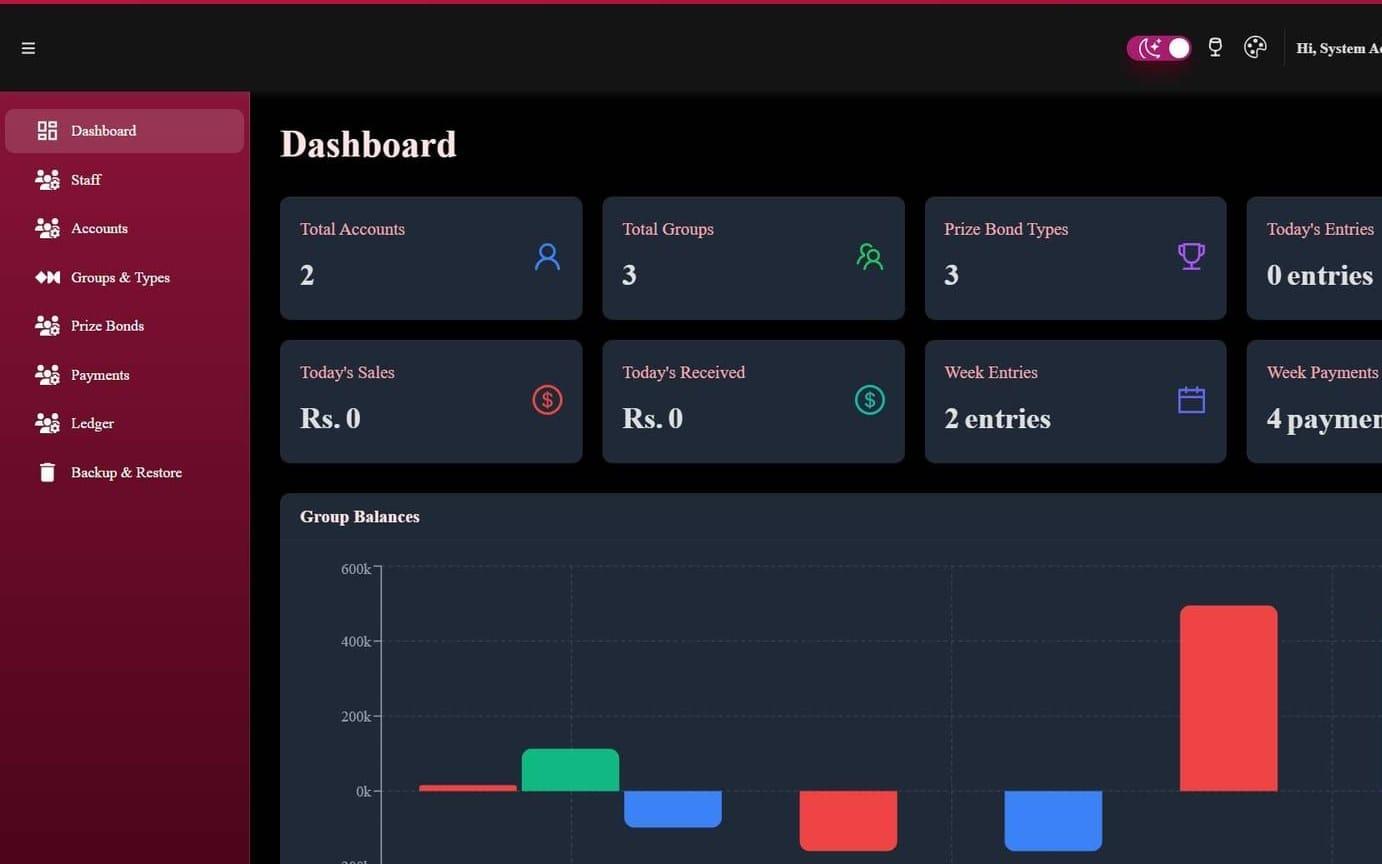
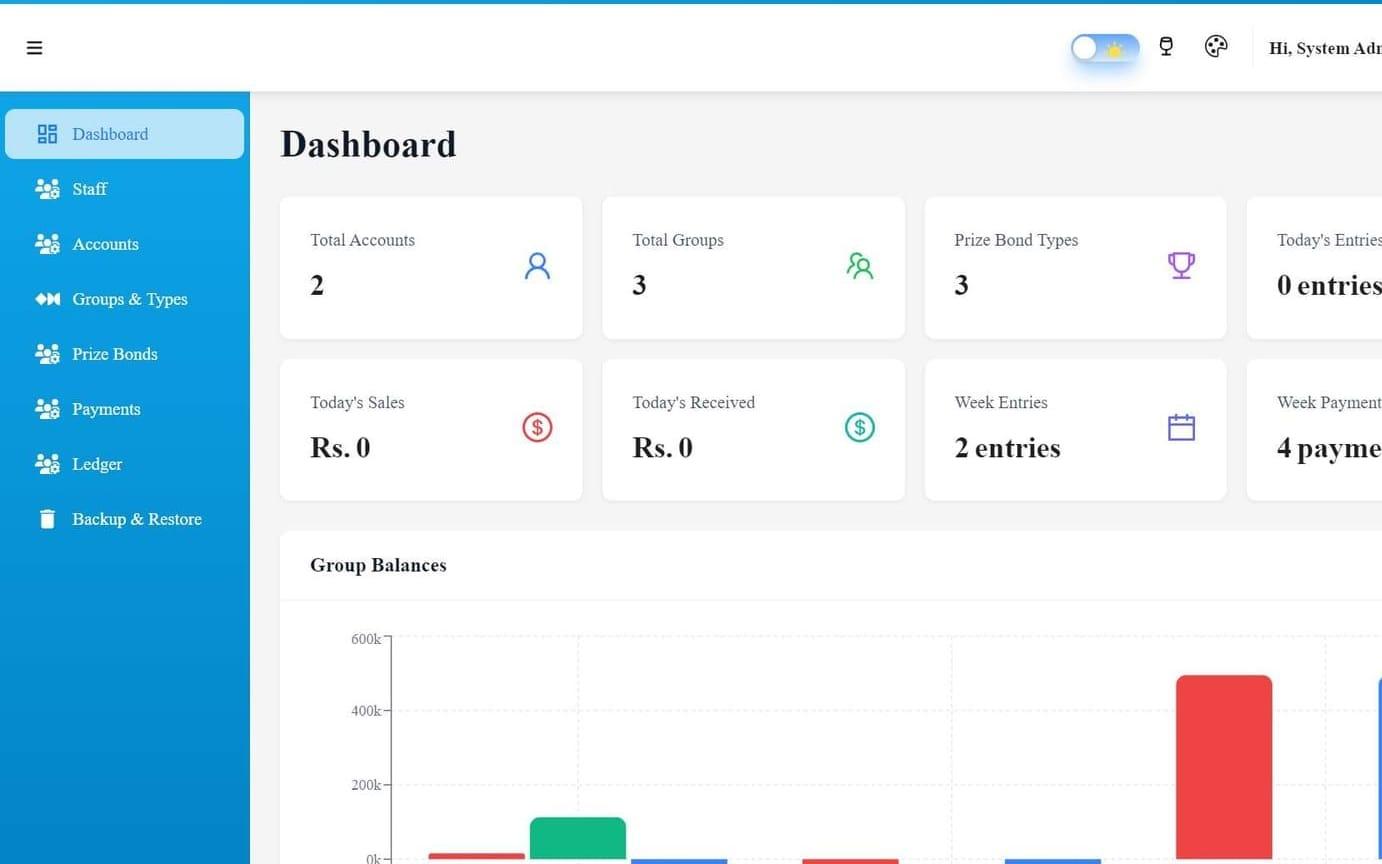
Desktop software for prize bond dealers to manage sales, commissions and ledgers.
Have something in mind?
Tell us what you are building and book a free session.
Start a projectFrom first call to launch, in four steps.
A free session to understand what you need and who it is for.
You get: A clear summary of the goal.
We turn the goal into a written plan with scope and cost.
You get: A written plan and a quote.
We build in stages and show you working software along the way.
You get: A working version to review at each milestone.
We release it, then fix issues and ship updates as you need them.
You get: A live product and ongoing support.
Tell us what your team does all day. We will tell you whether desktop is the right fit.